
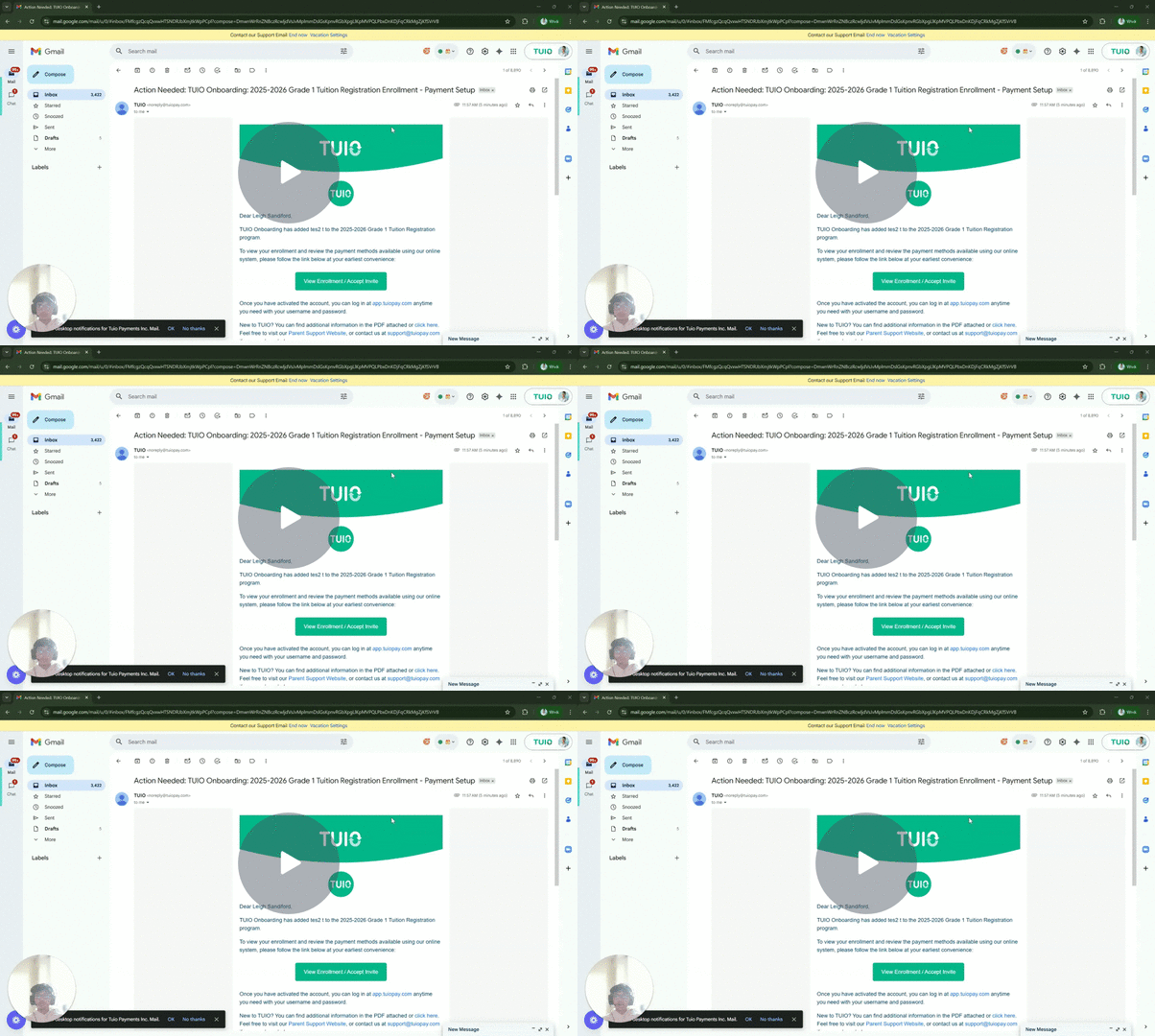
This video walks you through the key points, it’s the best way to understand everything in just a couple of minutes.
Further Reading
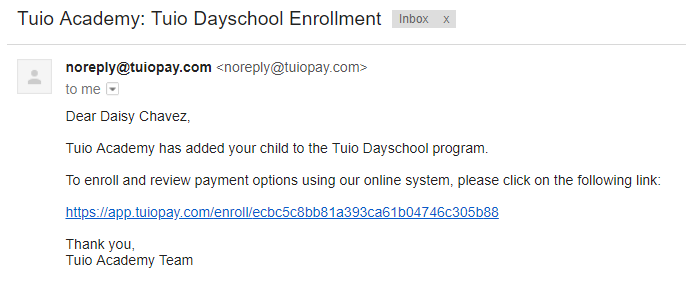
Look for an email from noreply@tuiopay.com with the name of your school or daycare in the subject line, followed by the program or event name.
To activate your account, click on the link contained in the email. Once your account has been activated, the link to access TUIO going forward is https://app.tuiopay.com.
On the next screen, choose a password. Open the Terms of Service link to read the full terms in a new tab, then select I agree to the terms of service. Opening the link does not select the required checkbox. Once you have completed the required fields and accepted the terms, click Continue to proceed.

After activation, follow How to Set Up Payment to review and confirm an enrollment’s payment plan and method.