
Use Forms to complete standalone forms your school has assigned to you.
- Open Forms.
- Select the To do tab.
- Find the form and the associated student, then select Complete form.
- Complete the required fields and follow the form's submission prompts.
- Return to Submissions to review completed forms.
A saved registration is separate from a standalone form. It appears under Registrations, not Forms > To do. See how to finish a saved registration form.
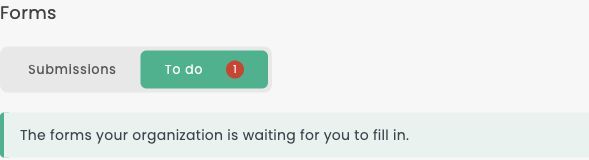
Open Forms and select To do to find standalone forms awaiting completion.

Select Complete form on the pending form you want to complete.