
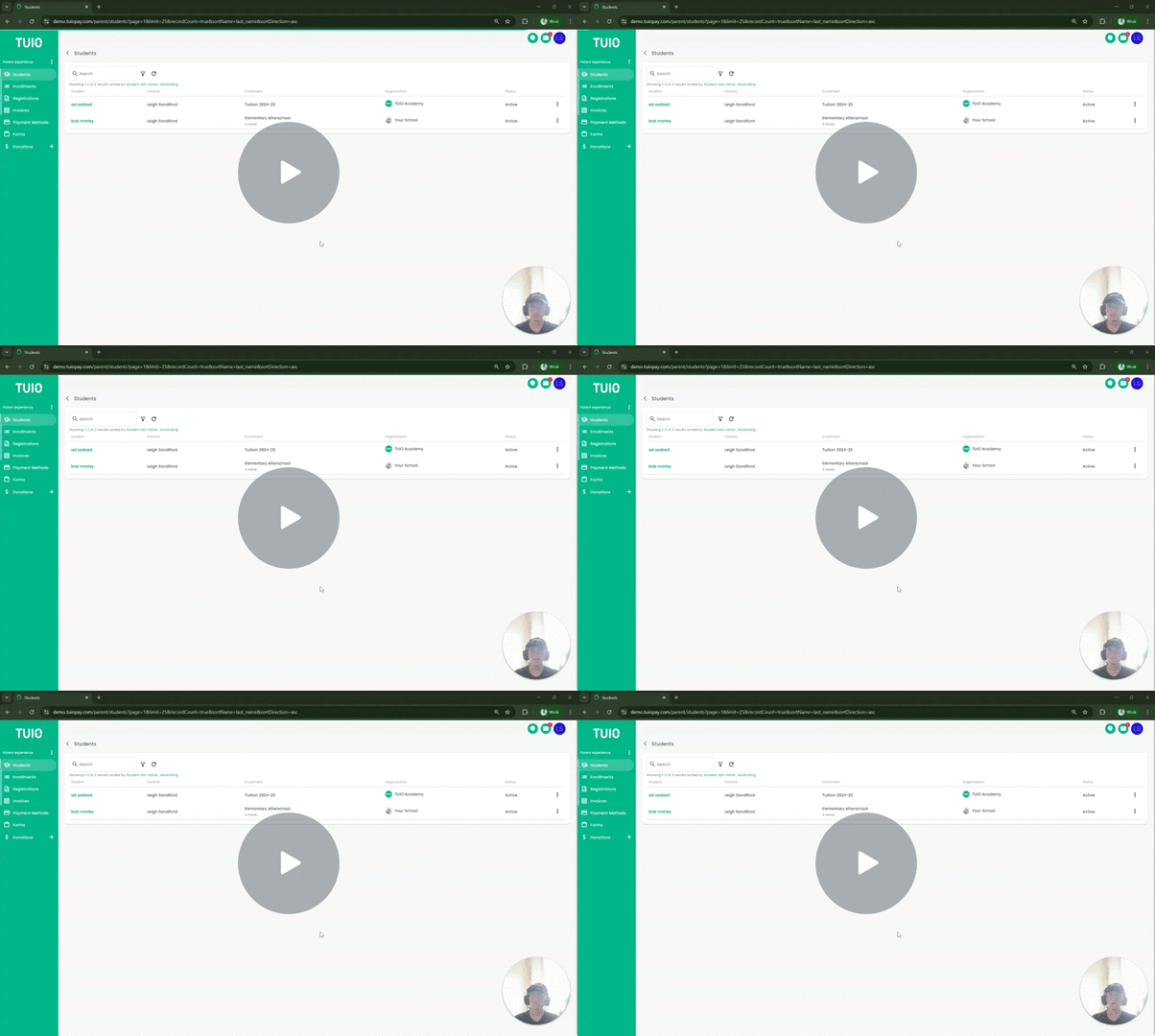
This video and images show an earlier layout. Use the current registration details and payment status when following the steps.
Further Reading
A registration fee is separate from enrollment or tuition payments. Depending on the school's registration model, a fee may be required before or during registration, or shown on an existing registration that still needs payment.
If you completed the form but didn't confirm the payment simultaneously, you might be curious about how to resolve the overdue payment.
How to Take Care of the Invoice
Click the 'Registrations' tab in your account and you will be able to see if any of the registrations require a fee. If so, open the relevant registration and you will arrive at the Details screen, where you can either select or add your card and make the payment. Review the registration, amount and selected card before confirming the payment. The final confirmation processes the payment shown on screen.


Check an existing invoice before paying again
If the registration already has an invoice, open its details to check the remaining balance and payment history. If the invoice offers Pay now, follow How to pay an invoice with Pay now. The methods offered for a registration payment may differ from those offered for tuition.
If a payment is already in progress, do not submit another payment for the same charge. See Has my payment processed?. If the fee is unexpected, the payment option is missing, or you are unsure which registration to pay, contact your school before proceeding.