
Check before retrying a payment
Open Invoices and review the invoice and its payment history. A Processing with your bank result means the bank payment is still being processed, not that it failed. Do not submit another payment while that payment remains in progress.
If the payment failed or was declined, review the reason before retrying. Follow Pay now or the past-due payment guide for the available next step. If the status is unclear or differs from your bank records, contact support with the invoice number.
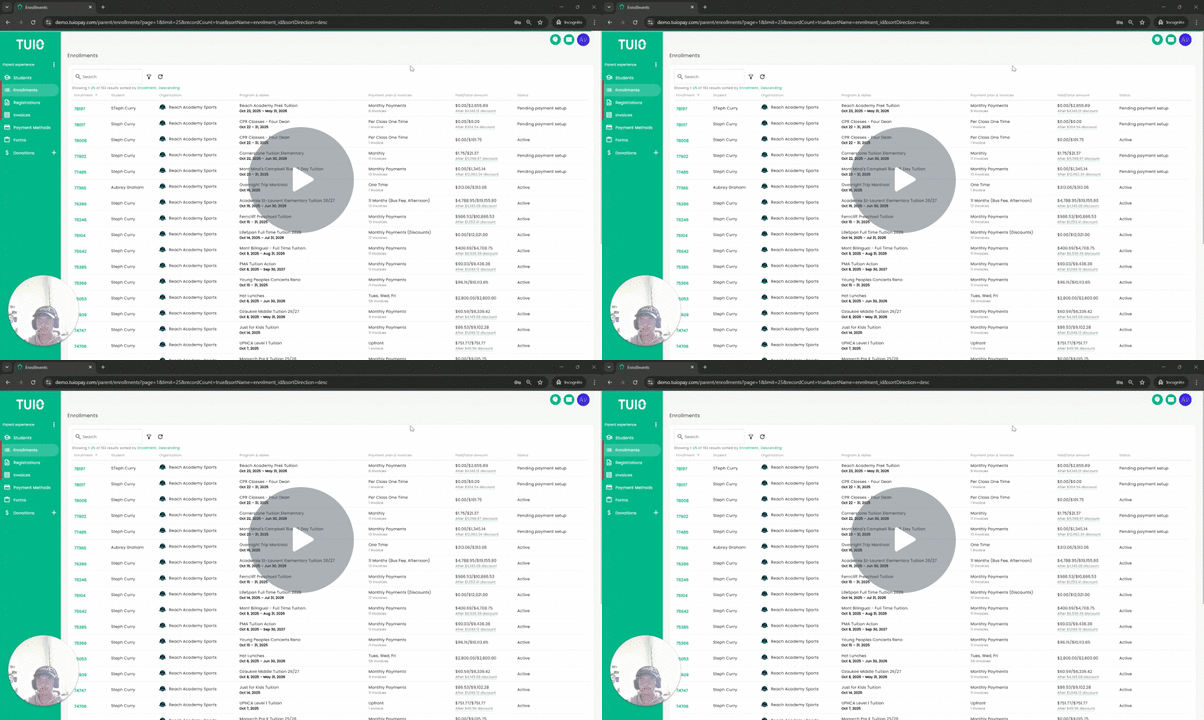
The video and screenshots show an earlier layout. Follow the written status guidance below for the current portal.
Further Reading
Once you've set up payment for a program, you might find yourself questioning whether everything will work as expected.
Bank-account payments can remain in progress while TUIO waits for confirmation from the bank. Money leaving your bank account does not, by itself, mean the payment is already confirmed in TUIO. Check the current invoice and payment status before taking another action.
Credit card payments, on the other hand, are typically confirmed instantly, and the invoice status is updated to 'Paid' immediately. We inform our users of this distinction the first time they complete a payment!

With that being said, the best way to know the status of your payments is to go to your Invoices tab. There you will see any invoice that is Paid, Failed, or in the process of getting paid.
An invoice with a confirmed payment appears as follows:

An invoice with a payment in progress looks like this (note the 'Payment in Progress' note):

And finally, an invoice that has failed will be labelled in red:

By keeping track of your Invoices tab, you will consistently remain informed about your invoice payments.